

A small fall can change a family’s daily life overnight. Community organizers see this during outreach events, volunteer calls, and neighborhood meetings. Safety planning works best before an incident starts, not after the emergency is already underway.
Many groups start with simple tools that scale across buildings and clubs. Life Assَure’s medical ID wristbands help connect older adults to trained support, even when people are alone or tired. Linked devices like these reduce guesswork for caregivers who split time between work and family. Clear steps and steady training turn personal gadgets into reliable community safety tools.
Start With Wearables Seniors Actually Use
The best device is the one someone wears every day without fuss. People favor gear that is water resistant, comfortable, and simple to charge. Two way voice support helps when pressing a small button is easier than reaching a phone. Clear indicator lights and audible alerts reduce confusion during stressful moments at home.
Look for options with automatic fall detection that alert help when someone cannot speak. Water resistant wearables protect during showers and daily chores in kitchens or gardens. A single device across a community keeps training short and maintenance less confusing. Replace bands on a schedule so worn straps do not discourage daily use or consistent wearing.
Community leaders can pilot devices with ten households, then widen access after feedback. Track how often alerts occur, how fast responses arrive, and what follow up families need. Share anonymized summaries at meetings to guide purchasing and training plans. Invite a paramedic or nurse to review patterns and advise small improvements for daily routines.
Pair Home Sensors With Simple Routines
Wearables work better with a few home checks on the same schedule each week. Motion sensors near stairs, bathrooms, and entryways support overnight safety without complex setups. Smart plugs can control lamps to cut dark trips between rooms. Door sensors help caregivers confirm safe arrivals without intrusive calls or repeated text messages.
Create a short checklist that residents can keep on the fridge. It might include testing the wearable, charging the base unit, and clearing walk paths. Include a phone line for support in case devices beep or lights flash at odd hours. Add a monthly battery swap day to avoid last minute scrambles when alerts matter most.
Evidence based advice also helps volunteers give steady guidance. The Public Health Agency of Canada publishes fall prevention guidance for seniors with practical tips that communities can adapt for local homes. It covers hazard checks, exercise ideas, and medication reviews that reduce risk without heavy equipment needs. Volunteers can use those lists to lead seasonal walk throughs before winter and spring.
Build A Neighbor Network For Faster Help
Technology reduces response time, but neighbors still matter in early minutes. A roster of trusted contacts in the same building or block speeds welfare checks after alerts. Post the roster in the lobby and keep a copy with the property manager. Rotate names quarterly so volunteers do not burn out during busy months.
Make a simple plan so every alert triggers a consistent phone tree. One person calls emergency services, another unlocks the entry, and a third meets responders outside. Clear roles reduce confusion, especially during crowded events or stormy nights. Keep spare keys in sealed envelopes with signatures to protect privacy and prevent misuse.
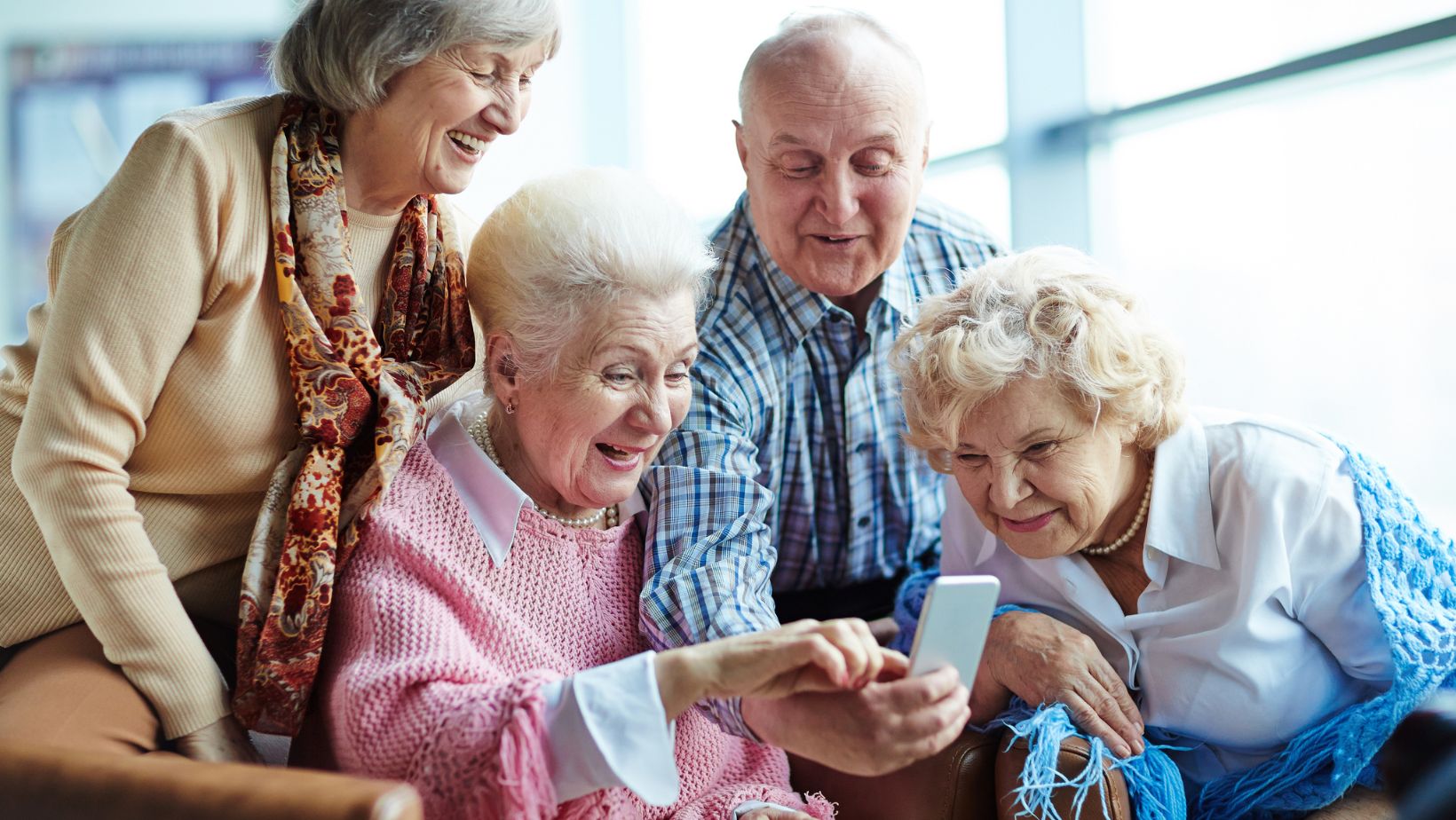
For monthly meetings, use short role play sessions with timers. Practice answering an alert, confirming a location, and handing off to responders. Keep scripts on one page so new volunteers can read along without training gaps. End with a two minute review that names what worked and the single change for next time.
- Share a standard alert script with names and addresses.
- Print building maps with stair and elevator notes.
- Keep spare device chargers in a labeled drawer.
- Record a sample alert call to use during refreshers.
Use Data To Improve, Not To Overwhelm
Many devices offer dashboards and monthly summaries. Focus on trends that guide action, not every single data point. Look for repeated alerts during the same time window or in the same hallway or room. Note false alarms and document the fix so others avoid the same issue later.
When patterns show up, adjust routines before buying more gear. Add a night light, move a rug, or reseat a loose handrail. Small changes often prevent repeat incidents and reduce stress on volunteers and families. Post a before and after photo board that shows practical fixes people can copy at home.
Publish a brief quarterly update for the community team. Keep it under one page with three charts and three recommendations. This helps funders and local partners see progress without heavy jargon or technical noise. Share a simple cost line that links small purchases to fewer after hours calls.
Make Training Friendly, Short, And Repeated
New tools stick when training is short, friendly, and repeated through the year. Offer sessions at libraries, faith centers, and community halls with seats near outlets. Provide printed steps in large fonts and clear photos of each device. Keep each segment under ten minutes to respect attention spans and varied energy levels.
Blend tech steps with home safety refreshers that people can do the same afternoon. The National Institute on Aging has a practical guide for fall proofing homes, including lighting and bathroom tips that match community projects. Groups can share printouts and add local resources on the back page for easy follow up. Pair each attendee with a buddy who will check progress within one week.
Invite caregivers and adult children to evening sessions. Many work during daytime hours and miss weekend events. Record a short video walkthrough and post it on the community site for later viewing. Offer captions and quiet rooms so people with hearing or sensory needs can learn comfortably.
A small budget line for ongoing refreshers keeps skills current. Rotate topics like charging, testing, and button placement so sessions never feel stale. Offer device loaners at events so people can practice before committing. Track attendance and questions to shape the next session, then share the schedule well ahead.
Keeping Seniors Safer, Together
Bringing safety devices into daily community work takes planning and trust. Start with wearables people will actually use, then add sensors and simple routines. Support with neighbor networks and regular, kind training that respects attention spans. Use data to spot patterns, then change small things that matter inside real homes. The result is steadier independence for older adults and calmer nights for families and caregivers.